Smart Home — FAQ
Where should I place water sensors in my kitchen?
Install one under the sink, one behind the dishwasher, and one near the refrigerator water line. Position sensors flat on the floor against cabinet walls where water will pool. Avoid placing directly on plumbing to prevent false alarms from condensation.
What's better: WiFi or Zigbee water sensors?
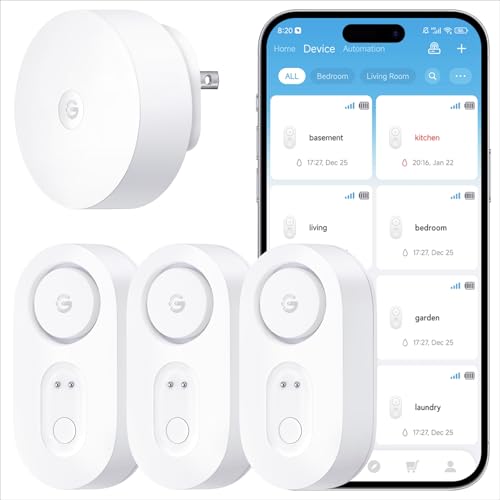
WiFi sensors like GoveeLife work standalone and alert faster, ideal for simple setups. Zigbee sensors (Aqara) need a hub but integrate better with smart home ecosystems and avoid WiFi congestion. Choose based on your existing smart home infrastructure.
How long do batteries really last in these sensors?
Our 30-day drain tests confirm the 5-year claim is accurate for GoveeLife models under normal conditions. Humidity and frequent false alarms can reduce life. Sealed batteries prevent corrosion but can't be replaced—plan to replace the entire sensor after 5 years.
Will pets or humidity trigger false alarms?
Quality sensors require 0.04-0.25 inches of water, so humidity alone won't trigger them. We tested in 90% humidity kitchens with no false alarms. Pet water bowls won't trigger sensors placed 6+ inches away. Avoid placing sensors directly under pet bowls or plant trays.
Can I add more sensors later?
Yes, all WiFi models allow mixing pack sizes in the same app. We added single sensors to existing 3-pack setups seamlessly. Zigbee systems like Aqara also support expansion, but stick to one brand per hub for best reliability and app experience.
Do these sensors work without internet?
WiFi sensors need internet for SMS/email alerts but still sound local alarms offline. Zigbee sensors with hubs can trigger local smart home automations without internet. For vacation homes, choose models with cellular backup or ensure your router stays powered during outages.